
9. Services, Ports and Protocols
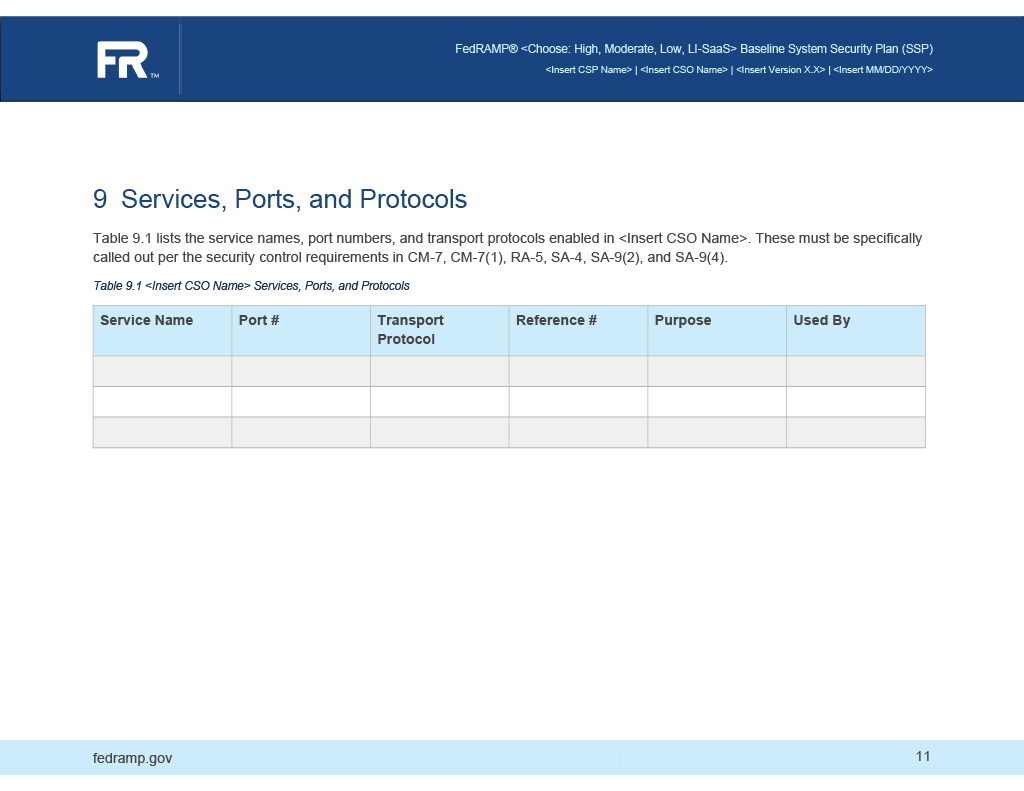
Entries in the services, ports, and protocols table are represented as component assemblies, with the component-type flag set to "service". Use a protocol assembly for each protocol associated with the service. For a single port, set the port-range start flag and end flag to the same value.
OSCAL Representation
system-security-plan:
  uuid: 11111111-2222-4000-8000-000000000000
  system-implementation:
    components:
    - uuid: 11111111-2222-4000-8000-009000500004
      type: service
      title: API Service
      description: 'A service offered by this system to external systems, such as
        an API. As a result, communication crosses the boundary.


        Describe the service and what it is used for.'
      props:
      - name: implementation-point
        value: internal
      - name: public
        value: 'yes'
      - name: information-type
        ns: http://fedramp.gov/ns/oscal
        value: C.3.5.1
        class: incoming
      - name: information-type
        ns: http://fedramp.gov/ns/oscal
        value: C.3.5.8
        class: outgoing
      - name: connection-security
        ns: http://fedramp.gov/ns/oscal
        value: tls-1.3
      - name: authentication-method
        ns: http://fedramp.gov/ns/oscal
        value: 'yes'
      - name: nature-of-agreement
        ns: http://fedramp.gov/ns/oscal
        value: other
      - name: allows-authenticated-scan
        value: 'no'
      - name: scan-type
        ns: http://fedramp.gov/ns/oscal
        value: infrastructure
      links:
      - href: '#11111111-2222-4000-8000-009000100003'
        rel: used-by
      - href: '#11111111-2222-4000-8000-009000100004'
        rel: used-by
      - href: '#11111111-2222-4000-8000-001000000048'
        rel: poam-item
        resource-fragment: 11111111-3333-4000-8000-000000000004
      - href: https://api.example.com/v1
        rel: api
      status:
        state: operational
      responsible-roles:
      - role-id: administrator
        props:
        - name: privilege-uuid
          ns: http://fedramp.gov/ns/oscal
          value: 11111111-2222-4000-8000-008000000004
        party-uuids:
        - 11111111-2222-4000-8000-004000000010
        - 11111111-2222-4000-8000-004000000011
        - 11111111-2222-4000-8000-004000000012
      - role-id: provider
        party-uuids:
        - 11111111-2222-4000-8000-004000000001
      protocols:
      - uuid: 11111111-2222-4000-8000-010000000002
        name: tls
        title: API Service
        port-ranges:
        - start: '443'
          end: '443'
          transport: TCP
XPath Queries
Service (1st service):
        /*/system-implementation/component[@type='service'][1]/title
    Ports: Start (1st service, 1st protocol, 1st port range):
        /*/system-implementation/component[@type='service'][1]/protocol[1]/port-range[1]/@start
    Ports: End (1st service, 1st protocol, 1st port range):
        /*/system-implementation/component[@type='service'][1]/protocol[1]/port-range[1]/@end
    Ports: Transport (1st service, 1st protocol, 1st port range):
        /*/system-implementation/component[@type='service'][1]/protocol[1]/port-range[1]/@transport
    Protocol (1st service, 1st protocol):
        /*/system-implementation/component[@type='service'][1]/protocol[1]/@name
    Purpose (1st service):
        /*/system-implementation/component[@type='service'][1]/purpose
    Used By (1st service):
        /*/system-implementation/component[@uuid='uuid-of-component-used-by']/title
Replace XPath predicate "[1]" with "[2]", "[3]", etc.